
QR code queue entry
Turn one scan into a clear place in line
Place a location-specific queue link wherever customers arrive. The browser does the rest—no app-store detour and no account required.
Live product workflow · Customer and staff views · Queue operations in context
Annotated entry point
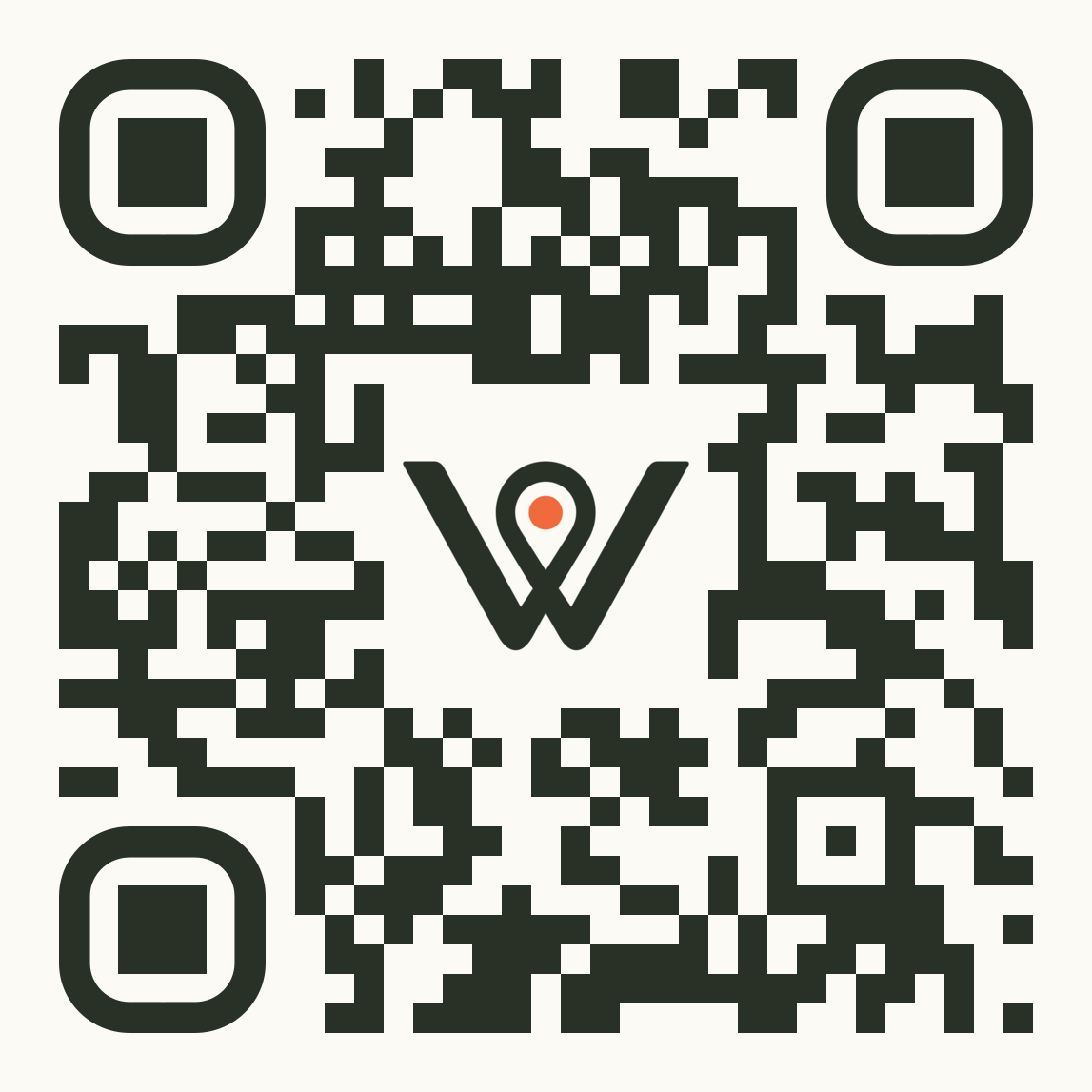
Scan to join
Keeps location context
Opens the exact queue
Continues in the browser
Assisted entry stays available
A walk-in customer scans at the entrance, chooses the service they need, and joins before reaching the counter. Staff can still help anyone who needs assistance.
Product interface with queue-specific context.
What changes
A faster entry point with fewer front-desk questions
The QR code takes visitors to the right queue, while validation and duplicate-entry protection keep the live list usable.
Queue-specific QR codes
Direct each scan to the correct location and queue rather than a generic homepage.
Short browser flow
Ask only for queue, service, contact, and consent information required for the journey.
Assisted entry remains available
Staff can add visitors who do not have a phone or prefer help.
The workflow
From first action to a clear outcome
Every step leaves the customer and staff with an understandable current state and a valid next action.
Display the QR
Place the code at the entrance, service desk, or another approved arrival point.
Open the exact queue
The scan resolves to the relevant business, location, and queue context.
Validate the join
Basic validation and duplicate-entry checks keep the list understandable.
Share private status
The confirmation opens a personal tracking link for the rest of the wait.
No-app journey
The QR code is an entry point, not a product dead end
After joining, the same browser session carries position, approximate wait, status changes, and cancellation.
Product scope
Clear boundaries for this capability
- No self-service kiosk mode
- No ticket printer
- No public queue screen
Continue exploring
Build the surrounding queue journey
Move to the adjacent capability or operating context without losing the product boundary.
FAQ
Questions, answered clearly
The useful details belong in the open, especially where product scope, pricing, or delivery conditions matter.
Does each queue have its own QR code?
Yes. Direct queue links preserve the location and queue context, which can also be shared digitally.
What if someone scans twice?
Basic duplicate-entry and abuse prevention reduce accidental repeated joins.
Map this capability to your queue
See how qr check-in fits your workflow
We'll map Wait Wherever to your locations, queues, staff workflow, and expected monthly volume so you can see exactly how it fits.